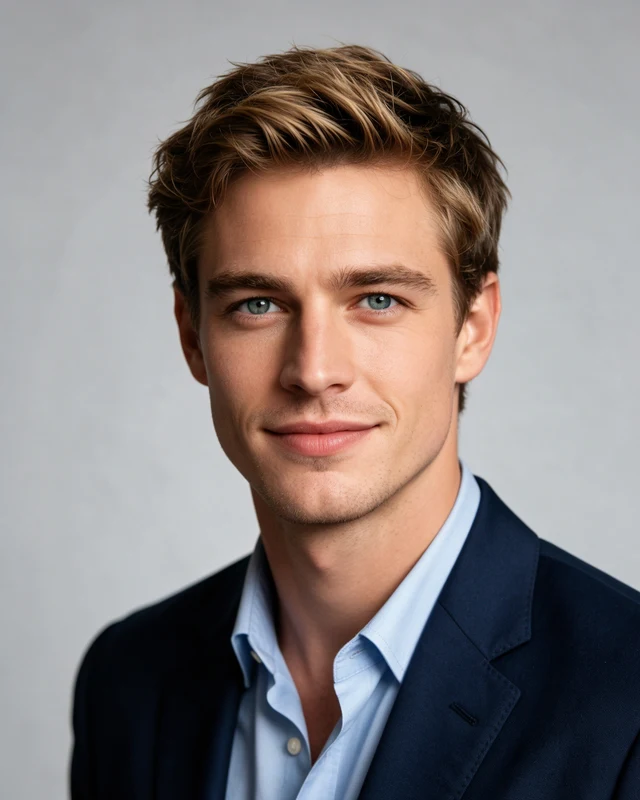
Style reference
Business, without a tie
A blazer and plain studio background keep the focus on your face. A useful starting point for a more formal professional presence.
LinkedIn headshot generator
Create a professional LinkedIn headshot without a photo shoot. Choose one look and get four AI-generated portraits to find the one that feels like you.
Create my LinkedIn headshot4 portraits$4.99 USDOne-time payment
No account. No subscription. Choose your look before checkout.
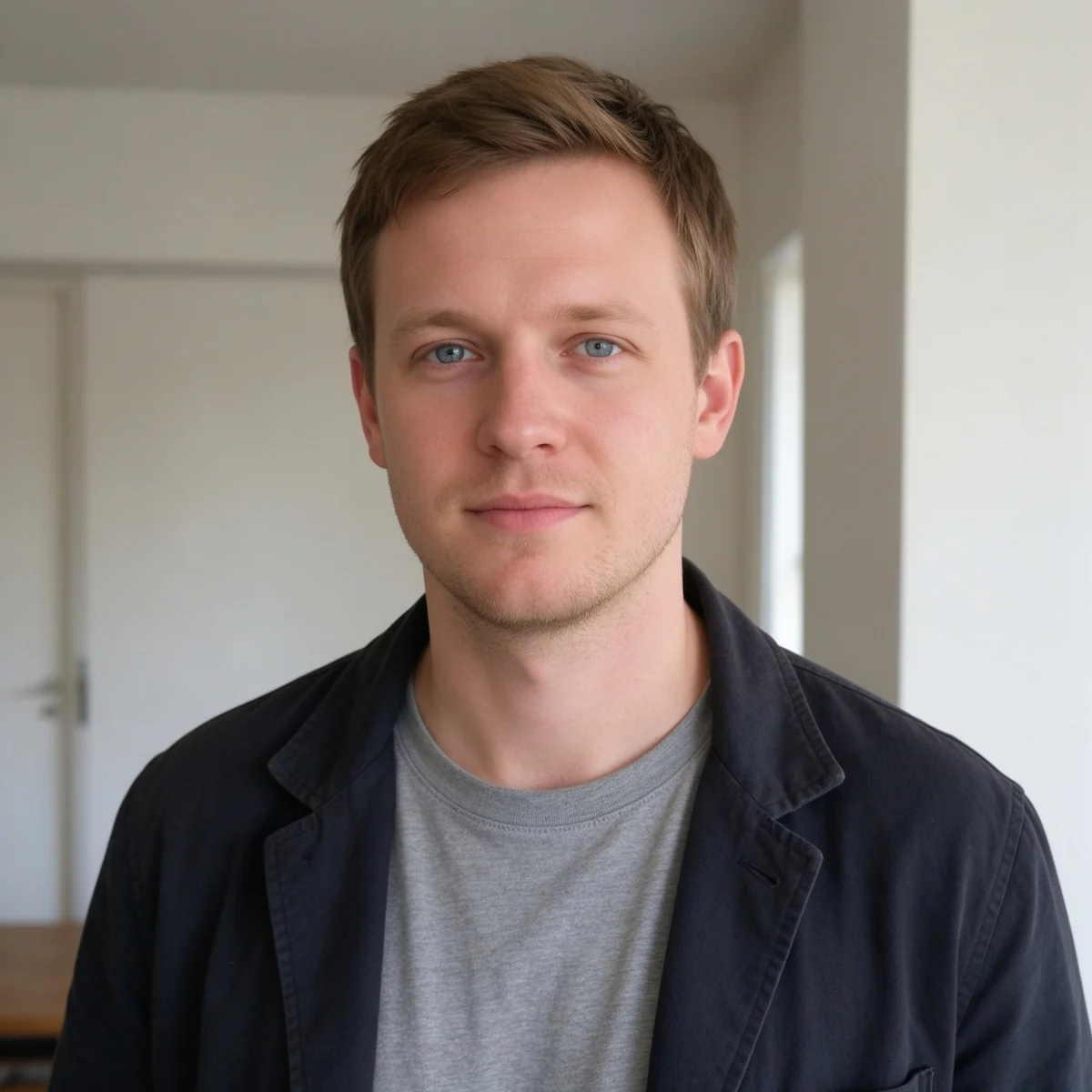 One selfie
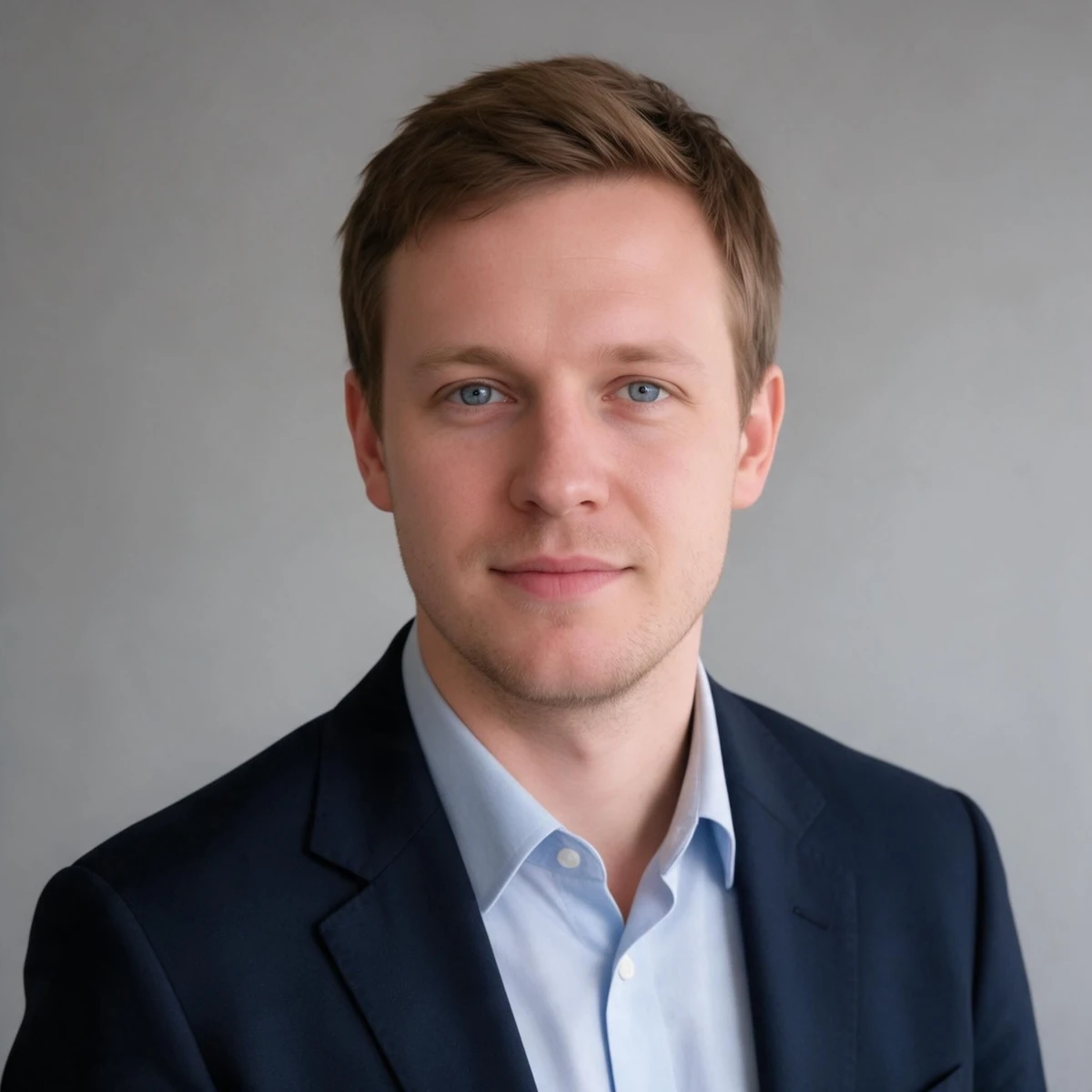 Professional portrait
Choose the impression, not a job title
Start with how you want to show up at work. These are three directions from the LinkedIn collection; browse the complete set in the studio.
Style reference
A blazer and plain studio background keep the focus on your face. A useful starting point for a more formal professional presence.
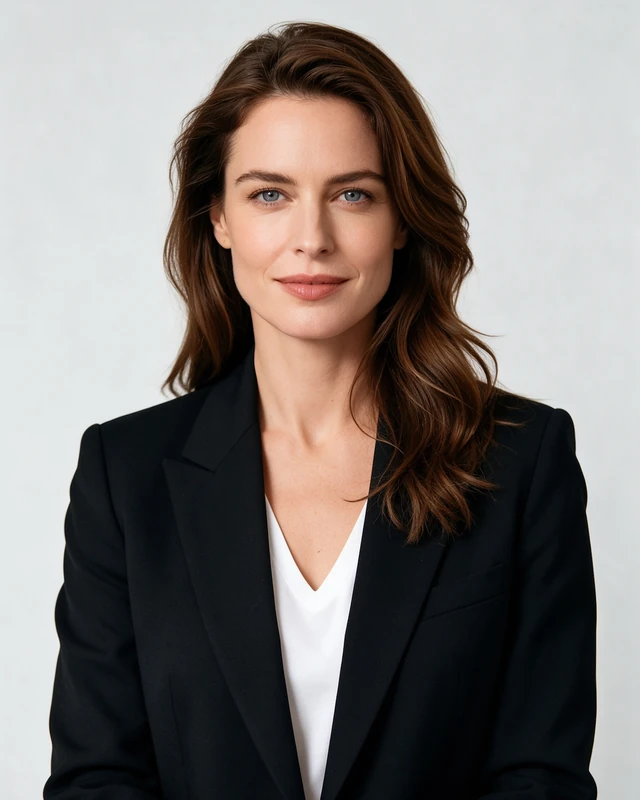
Style reference
A dark blazer with a brighter setting gives a polished look without a busy office behind you.
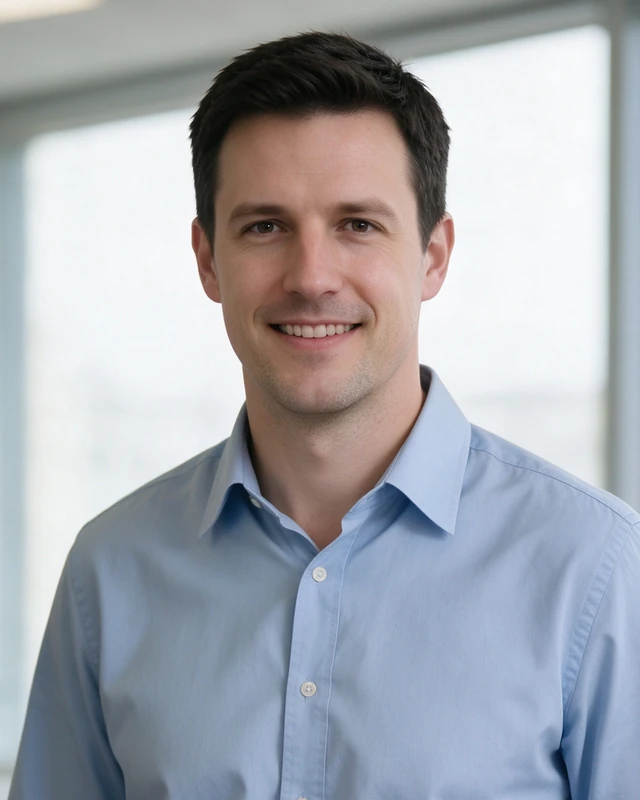
Style reference
An open-collar shirt and a light office setting feel less formal. Choose this if it is closer to how you dress at work.
References show the overall direction, not an exact preview of your face. No look is tied to a required profession or gender. Compare eight looks and crop tips.
Browse LinkedIn stylesIllustrative crops, not a LinkedIn screen or your generated preview.
Think small, not just full-screen
Your profile image can appear much smaller than the downloaded file. Check that your face is still readable and that the background does not compete with it.
From camera roll to profile
Use a well-lit photo with one person, a visible face and no heavy filter. The upload guide includes good and unsuitable examples.
Pick your LinkedIn look, crop and expression options. Review the reference and the final price before paying.
Get four JPGs in the same look with different angles and framing. Download within 24 hours, then upload your choice to LinkedIn.
Generation follows payment in the paid flow. Inspect your results for likeness and details before publishing.
One selfie and one selected style. Get front-facing, left-angle, right-angle and wider portraits, then choose your favorites.
AI-generated portraits, not a studio appointment. Likeness, poses and details can vary. Sample images illustrate possible results, not a guarantee.
Standard four-photo package
$4.99USD · one-time
One-time payment. Review the final total and any applicable tax before confirming checkout.
Before you start
For image handling and remedies, read our privacy policy and refund policy.
Yes. Start with one clear photo of yourself, with one visible face, even light and no heavy filter. The studio checks the photo before generation. You do not need a batch of training photos.
No. Your package contains four portraits in one selected style: front-facing, left-angle, right-angle and wider framing. They are variations of the same look, not four separately selected outfits. AI poses and details can vary.
Not necessarily. Match the level of formality to the professional presence you want. A blazer can work for a formal look; a shirt or relaxed layer can work for a less formal workplace. Neither choice guarantees more views or job opportunities.
Square 1:1 is the default and a practical starting point for a profile picture. Portrait 4:5 is also available. Leave room around your head and shoulders, then check the circular crop when uploading to LinkedIn. OneShot downloads rectangular JPGs, not a circular file.
You can inspect the style references and review your selection first. In the paid flow, checkout comes before AI generation. References are examples, not a personalized generated preview.
The goal is to preserve your identity, but AI likeness, clothing and small details can vary. Inspect all four results before using one publicly. Do not use a result that misrepresents you. See the refund policy for the available remedies; there is no automatic free redo.
No. OneShot is an independent AI portrait service, not affiliated with or endorsed by LinkedIn. You download your photos and upload your chosen image yourself.
Your selfie is the starting point